Reduce temptation
How adult content blockers work — and where they stop
Understand what a porn blocker can change, why no blocker is absolute, and how to set up useful friction around high-risk sites and apps.
Updated
An adult content blocker can change what happens between an impulse and an action. Depending on the device and the settings you choose, it may restrict a website, pause an app, limit a category, or place an extra screen in the way.
That extra step can be useful. It is still a boundary, not a promise: devices, browsers, app permissions, and the choices available to the person using them all affect what a blocker can do.
A blocker changes access, not the reason behind it
The most useful way to think about blocking is as friction. Instead of reaching a high-risk destination immediately, you meet a limit, a pause page, or a decision you have to make consciously.
Built-in tools already show how varied that friction can be. Apple Screen Time can restrict selected websites and apps. Android Digital Wellbeing can set app or site timers and temporarily pause distracting apps on supported devices.
- Website restrictions can reduce direct access to known URLs.
- App limits can interrupt routes that commonly lead to unwanted content.
- Schedules can make boundaries stronger during predictable high-risk times.
No honest blocker should promise perfect coverage
Content can appear through new domains, in-app browsers, messages, search results, or apps that were not selected. Operating systems also differ in what they allow one app to control.
A useful product should make those limits clear. If a setting can be changed or bypassed, treating it as an invincible wall can create false confidence. Treat it as one layer in a broader plan.
Start with the routes you actually use
A long block list is not automatically a better one. Begin with the websites, apps, categories, and times that appear repeatedly in your own pattern. Make the next risky action less automatic without making the rest of your phone unusable.
- Choose the two or three routes that show up most often.
- Add stronger limits around the hours or situations that carry more risk.
- Keep a low-effort alternative ready, such as leaving the room, calling someone, or opening a neutral activity.
- Review the setup after a week and adjust it from what actually happened.
Pair friction with a pause and a record
Blocking answers “how can I make this route harder right now?” It does not answer “what was happening before I reached for it?” A pause tool and a short trigger record help you work with those other parts of the pattern.
The aim is not to build a perfect wall. It is to create one more moment in which another choice is possible.
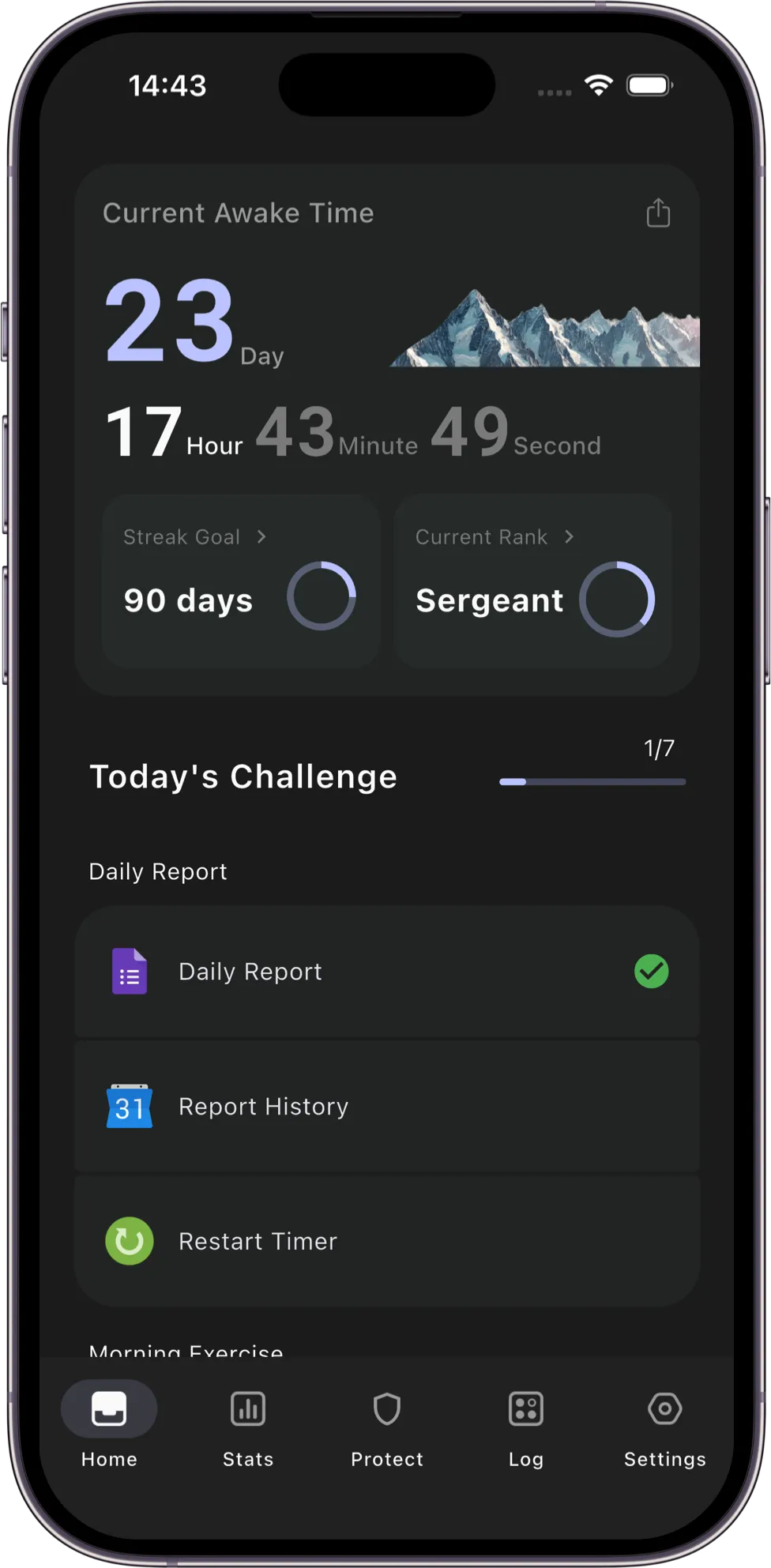
Transform combines selected site and app protection with pause tools and trigger notes. It cannot block every route, and it does not claim to. Its role is to add practical resistance and help you understand what happens around it.
Sources and further reading
- Apple Support: Block apps, app downloads, websites, and purchases on iPhone
- Android Help: Manage how you spend time with Digital Wellbeing
This guide offers general self-help information. It is not medical advice, therapy, or crisis support.